Claude Session Manager
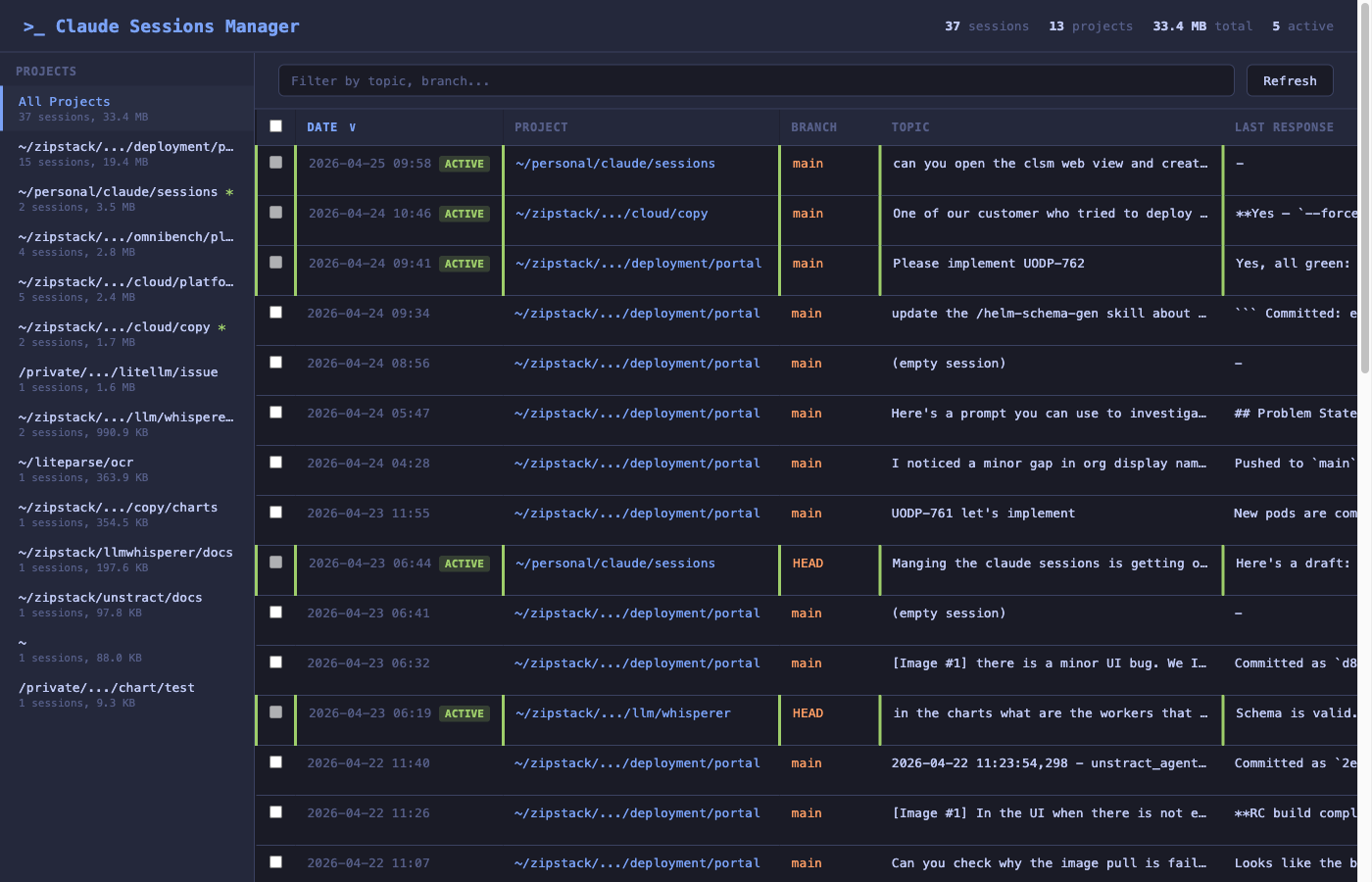
A TUI and Web UI for viewing, searching, and managing your Claude Code sessions.
If you've used Claude Code for any length of time, you already know the problem: dozens of sessions pile up under ~/.claude/, each with its own JSONL transcript, tool results, and file history. Finding the right one to resume — or cleaning up the ones you don't need — is painful.
clsm makes that easy.
Features
- TUI — interactive terminal UI with project navigation, sorting, filtering, and session details (built with Textual)
- Web UI — browser-based interface with project sidebar, bulk selection, and deletion
- Quick list — fast terminal table output
- Stats — aggregate session statistics per project
- Usage breakdown — per-session token totals (input / output / cache read / cache write), cache hit ratio, model(s), and web tool counts in the detail view
- Session deletion — clean up old sessions (JSONL, tool results, file history)
- Search — filter by project, topic, branch, or message content
- Resume — copy resume commands or open sessions directly in a new terminal
Where to start
- New here? Head to Installation, then Quick Start.
- Prefer the browser? See the Web UI walkthrough.
- Live in the terminal? Jump to the TUI reference.
Links
- Repo: github.com/ritwik-g/claude-session-manager
- Releases: github.com/ritwik-g/claude-session-manager/releases
- Issues: github.com/ritwik-g/claude-session-manager/issues
- License: MIT